

Booking made easy
How to Book
Answer a few quick questions to find the right class for your swimmer, then book online in just a few clicks.
- 1Find your class
- 2Choose your pool & time
- 3Book online
Find the right class
Answer a few quick questions and we'll tell you exactly which class to book.
Booking online – step by step
- Open the booking page using the Book now button.
- Select “use my location” to find your nearest pool.
- Choose “Swimming Lessons” for weekly lessons, or “Intensive Swimming Courses” for holiday crash courses.
- Select “Show centres”.
- Use the filters on the right to pick the day(s) you'd like, then refresh the page to see the pools with classes on those days.
Our classes at a glance
Not sure where your child fits? Here’s a quick guide to each stage of our swimming journey.
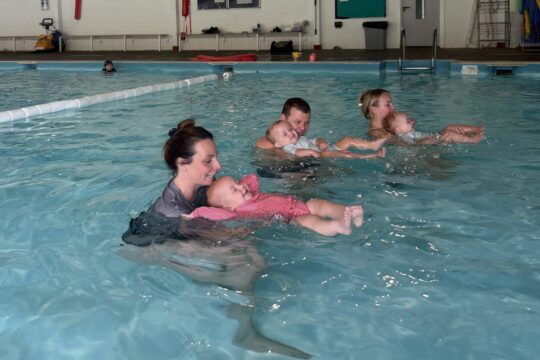
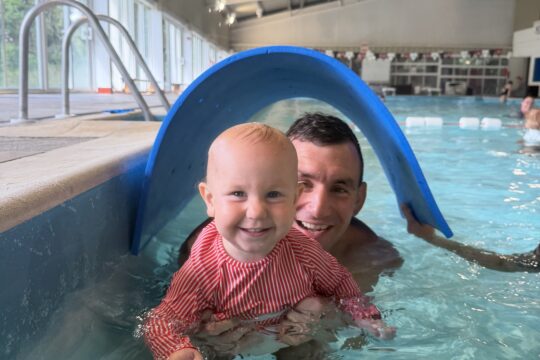
Parent & Baby3 months – 3 years
Fun, relaxed sessions in the water together with songs, toys and games.
Pre-School DucklingsFrom 3 yearsSmall group classes where little ones go into the water on their own. No previous lessons needed.
TurtlesBeginners · 4 years +Stages 1 & 2. Book this class if your child hasn’t achieved a stage award with a recognised provider.
Baby HipposImproversStages 3 & 4. For swimmers who have achieved their Stage 2 award.
CrocodilesAdvancedStages 5 & 6. For swimmers who have achieved their Stage 4 award.
SquadClub ready30 or 60-minute sessions to prepare for swimming club. For swimmers who have achieved Stage 6.
Booked the wrong level? Don’t worry – if your child is assessed as a different ability in their first session, we’ll contact you with more suitable class options.
Good to know
Money Back Guarantee
If you decide you don’t want to continue after your first session, a full refund is available.
Find your nearest pool
Select “use my location” on the booking page to see the pools closest to you and the classes running there.
Need a hand?
Our friendly team are always happy to help you choose the right class.